
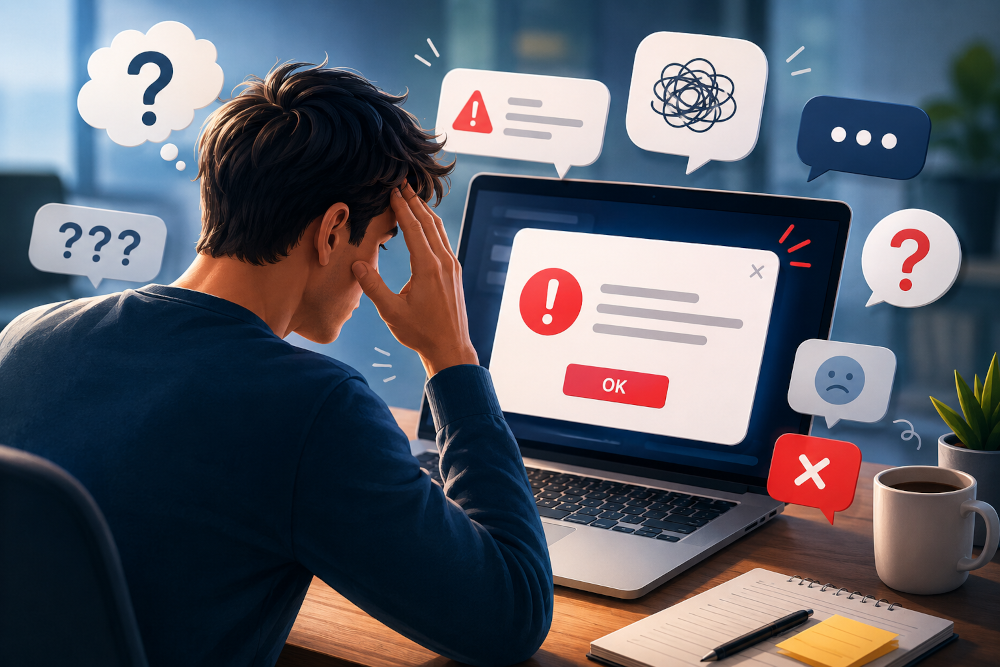
“The answer was right there.”
I’ve probably thought that a thousand times.
A customer tries to upload a WordPress theme and gets this message:
The package could not be installed. The theme is missing the style.css stylesheet.
A few minutes later, a support ticket lands in my inbox.
“The theme is broken.”
Or someone updates a plugin and suddenly sees:
There has been a critical error on this website.
Instead of reading the page, they refresh. They clear the browser cache. They try another browser. Then they email support.
For years, I assumed people just didn’t read.
I was wrong.
They Came To Build Something
Nobody opens WordPress because they want to troubleshoot.
They’re writing a blog post. Updating their online store. Changing a client’s homepage before the meeting starts.
They’re focused on finishing a task, not studying error messages. The moment something interrupts that flow, their priorities change.
They don’t want an explanation. They want progress.
Stress Changes Everything
I’ve noticed something after thousands of support conversations.
The more worried someone becomes, the less carefully they read. This even happened several times in support conversations asd well. They overlook the solution provided and then reply with the same question.
It’s easy to see why.
If your website suddenly disappears after an update, your brain isn’t thinking about PHP versions or memory limits. You’re wondering if you’ve just broken your business.
That little pop-up isn’t just another message anymore. It feels personal. So you skim.
You search for familiar words.
You click the first button that looks promising.
That’s why everybody clicks ” I agree ” without ever reading the terms and conditions.
We’ve all done it. I certainly have.
We Write Messages We’d Understand
Here’s the problem. Developers know how software works.
Users know what they were trying to do.
Those aren’t the same thing.
An error like this:
Fatal error: Allowed memory size of 268435456 bytes exhausted
might tell a developer exactly what’s wrong.
To everyone else, it’s noise.
Imagine calling an electrician because the lights went out, and they reply, “Your neutral conductor has an impedance issue.”
You’d probably ask the same question every customer asks.
“So… what do I do?”
That’s the only question that matters.
Good Error Messages Reduce Panic
Compare these two messages.
The uploaded file exceeds the upload_max_filesize directive in php.ini.
Now compare it with this.
Your file is larger than your server’s upload limit. Try uploading a smaller file or ask your hosting provider to increase the upload limit.
Same problem.
Very different experience.
The first one leaves you guessing.
The second one gives you a starting point.
Small difference.
Huge impact.
People Read What They Already Believe
This one took me a while to notice.
If someone is convinced yesterday’s theme update broke their website, every error message becomes proof. Even when the message clearly points to a plugin.
I’ve caught myself doing the same thing while debugging. Once your brain settles on an explanation, it’s surprisingly hard to see anything else.
That’s human nature.
Every Repeated Ticket Is Trying To Tell You Something
Whenever I see the same support question over and over, I don’t immediately blame the customer anymore.
Instead, I look at the product.
Or the documentation.
Or the error message itself.
Because if hundreds of people misunderstand the same message, maybe the problem isn’t that nobody is reading. Maybe nobody understands what they’re reading.
That’s a very different problem.
And it’s one we can actually fix.
The Bigger Lesson Stayed With Me
After more than a decade in WordPress support, I don’t think this is really about error messages. It’s about communication.
People rarely absorb information when they’re frustrated. They skip details. They make assumptions. They look for the fastest way back to what they were doing.
The software doesn’t change that. Neither does documentation.
Good communication meets people where they are.
It explains what happened and tells them what to do next.
And, when it’s done well, it quietly prevents a support ticket that never needed to exist.